
Some customers aren't ready to buy. They want to chat first. Is this the right treatment? Will the dress fit? Can you actually help with my garden?
A free consultation is the friendliest yes you can offer. And when booking it takes thirty seconds, with no cart and no checkout, far more people say yes back.
Why free consultations work
A consultation lowers the stakes. The customer gets expert advice, and you get a real conversation with someone who's already interested.
It's also the natural first step for bigger services: bridal fittings, design projects, personal training, treatment plans. Win the chat, and the paid booking often follows.
What your customers see
With BookThatApp, a free service can skip the Shopify checkout entirely. Your customer:
- picks a date and time on your product page
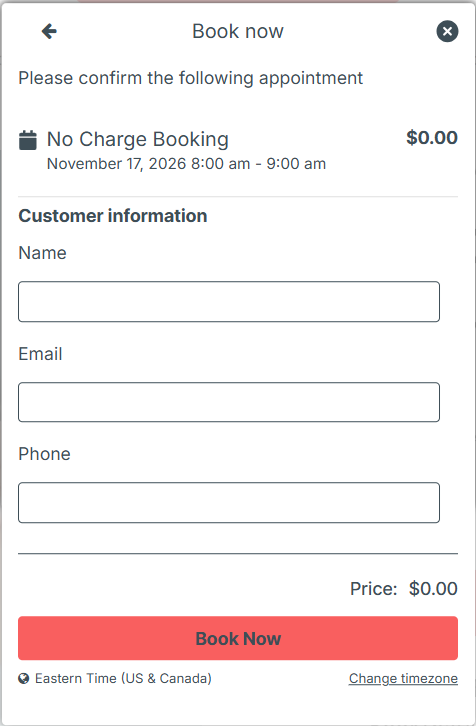
- fills in a short form with their name, email and phone
- gets their confirmation, with no cart and no payment step
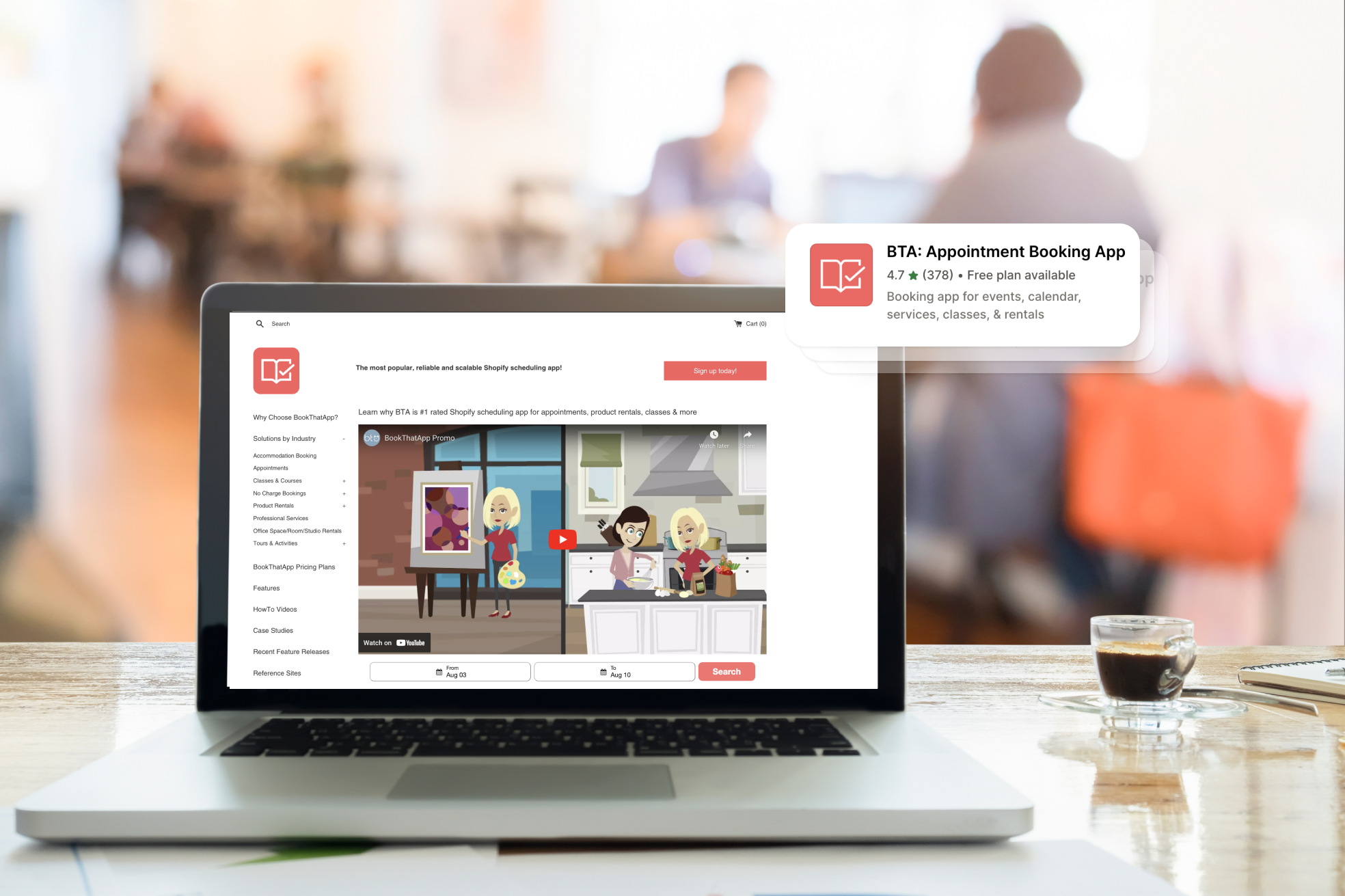
You can show the form inline on the page or as a popup. Want to see it in action? Try the no-charge booking demo.
A tour of the features that turn chats into clients
Here's the good stuff. These are the BookThatApp features that make free consultations easy for you and your customers. Plan notes are included where the support guides state them.
Book another, right away
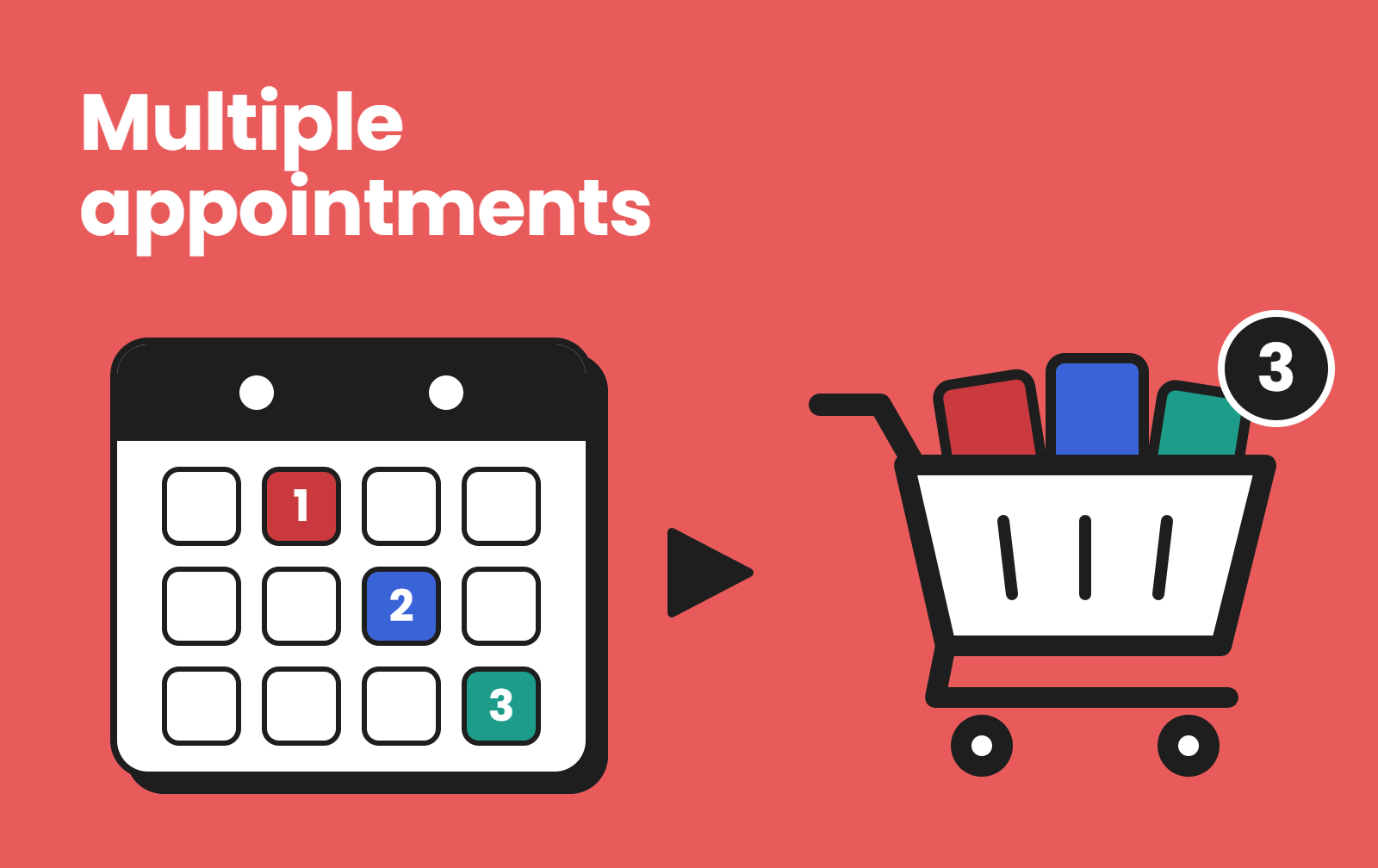
After booking, customers can tap Make Another Booking to grab a second slot, which is handy for couples or follow-ups.
Virtual consults with Zoom
Consulting online? With the Zoom integration, each booking gets its own Zoom meeting, and the link goes out in the booking's emails. You'll need the Premium plan or higher and a Zoom Pro account or higher. On any plan, you can share a static Zoom link instead.
Reminders so nobody forgets
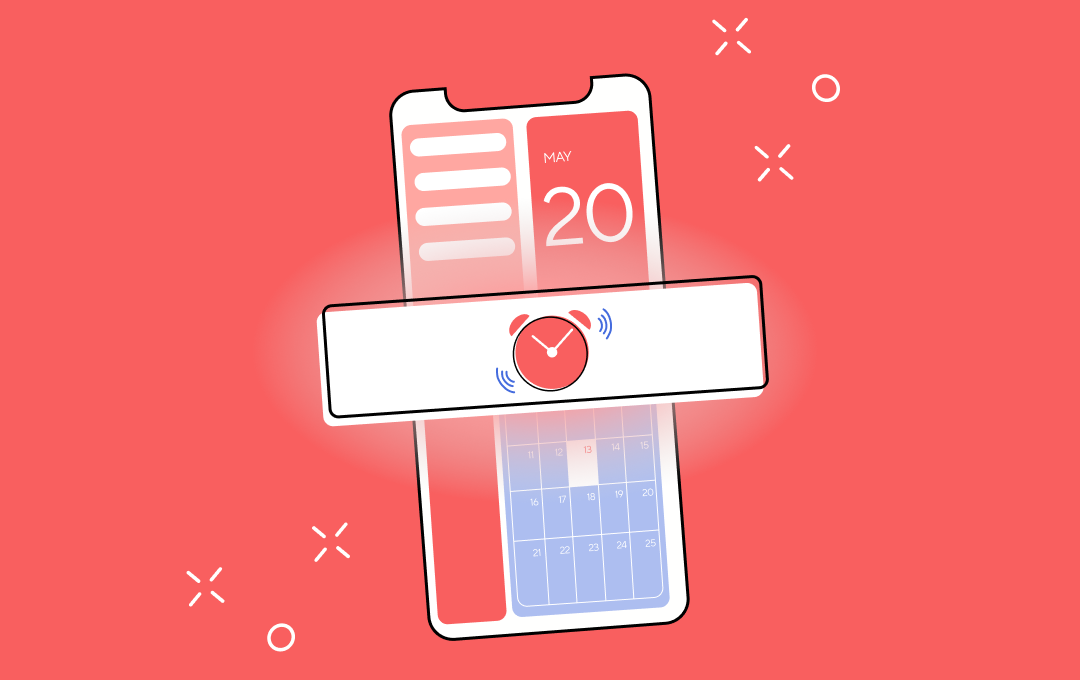
A free booking is easy to forget, so remind people. Every booking gets BookThatApp's confirmation email straight away, checkout or not. Before the consultation, send a reminder manually on any plan, or schedule email and SMS reminders to go out automatically on Premium and higher, with a calendar file so it lands in the customer's calendar.
Ask the right questions up front
Booking fields let you ask what you need before the chat: their goals, sizes, project details or a photo upload. You'll walk in already knowing the brief.
The right expert, with their own calendar
Each consultant can have their own staff account and connect Google Calendar. Bookings appear in their calendar, and busy time blocks their availability. The number of staff accounts depends on your plan.
Waitlists for your busiest experts
When consultation slots fill up, customers can join a waitlist and get an email when a time opens up.
From free chat to paid booking
Once they're sold, the paid service lives in the same store. Sell the full treatment, project, or package as a regular booking, and on Premium and higher, take a deposit to lock it in.
Getting set up (and help along the way)
Setup is short: create a $0 service, set it up as an appointment, and switch on the checkout bypass in your widget settings. Our help desk guides walk through each step.
And you're not on your own. Our Customer Success team helps along the way. Book a free 15-minute call with our team.
FAQ
Can customers book without going through checkout?
Yes. For free services, BookThatApp can bypass the Shopify checkout and collect name, email, and phone in a short form instead.
Can I offer free video consultations?
Yes. On Premium and higher, with a Zoom Pro account or higher, BookThatApp creates the meeting for each booking. On any plan, you can use a static Zoom link.
Can I take a deposit for the paid service afterwards?
Yes. Deposits are on Premium and higher, as a fixed amount or a percentage.
Can someone help me set it up?
Yes. Our Customer Success team is happy to help. Book a 15-minute call any time.
Get started
Ready to start the conversation? Install BookThatApp from the Shopify App Store, or book a free 15-minute call with our Customer Success team.
Sources