Your Saturday pottery class sells out in a day. Your Tuesday yoga flow has a loyal crowd. Your workshop on pizza making has a waiting list scribbled on a sticky note.
You already have the hard part: people who want to learn from you. Putting those classes online with a Shopify store is the easy win. Here's why it works, and how BookThatApp keeps every seat filled.
Take the classes you already run online
You already run great classes. Taking them online means students can see what's coming up and book a spot any time, day or night, without a phone call, a DM, or a sticky note.
The booking runs itself, too. Payment, confirmation, and your class list are handled for you, so you spend less time on admin and more time teaching.
And your classes reach more people. Anyone who finds your store can pick a date and book on the spot, whether they heard about you from a friend or stumbled on you online.
What your students see
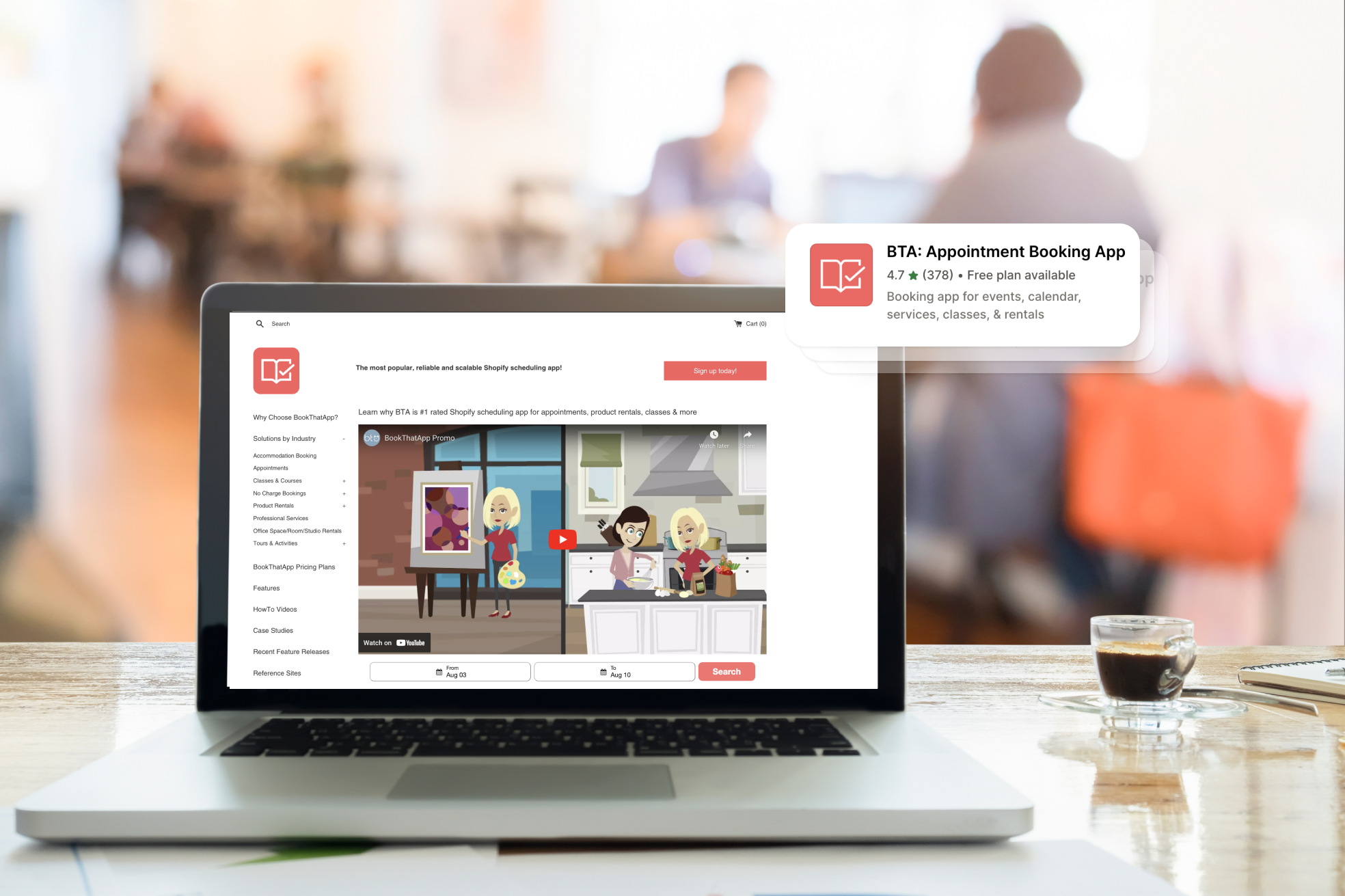
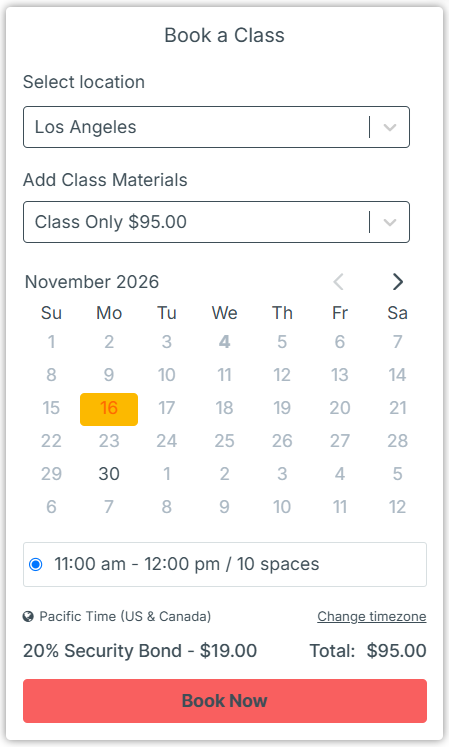
Picture a student landing on your class page. With BookThatApp's Class widget, they:
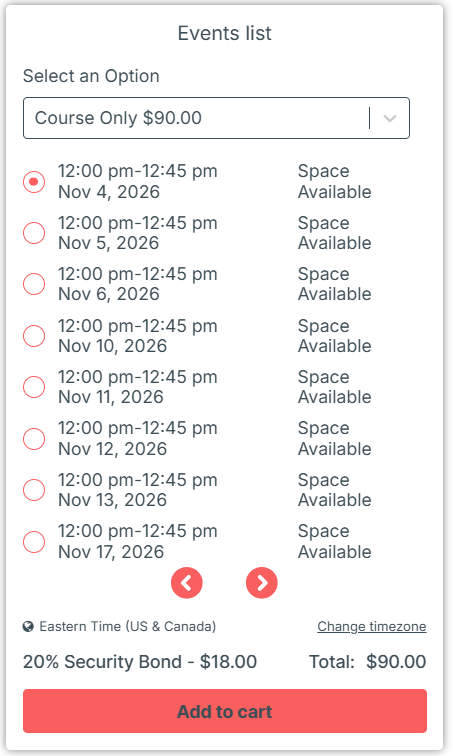
- see the upcoming dates and times right on the product page
- can see how many places are left, if you choose to show it
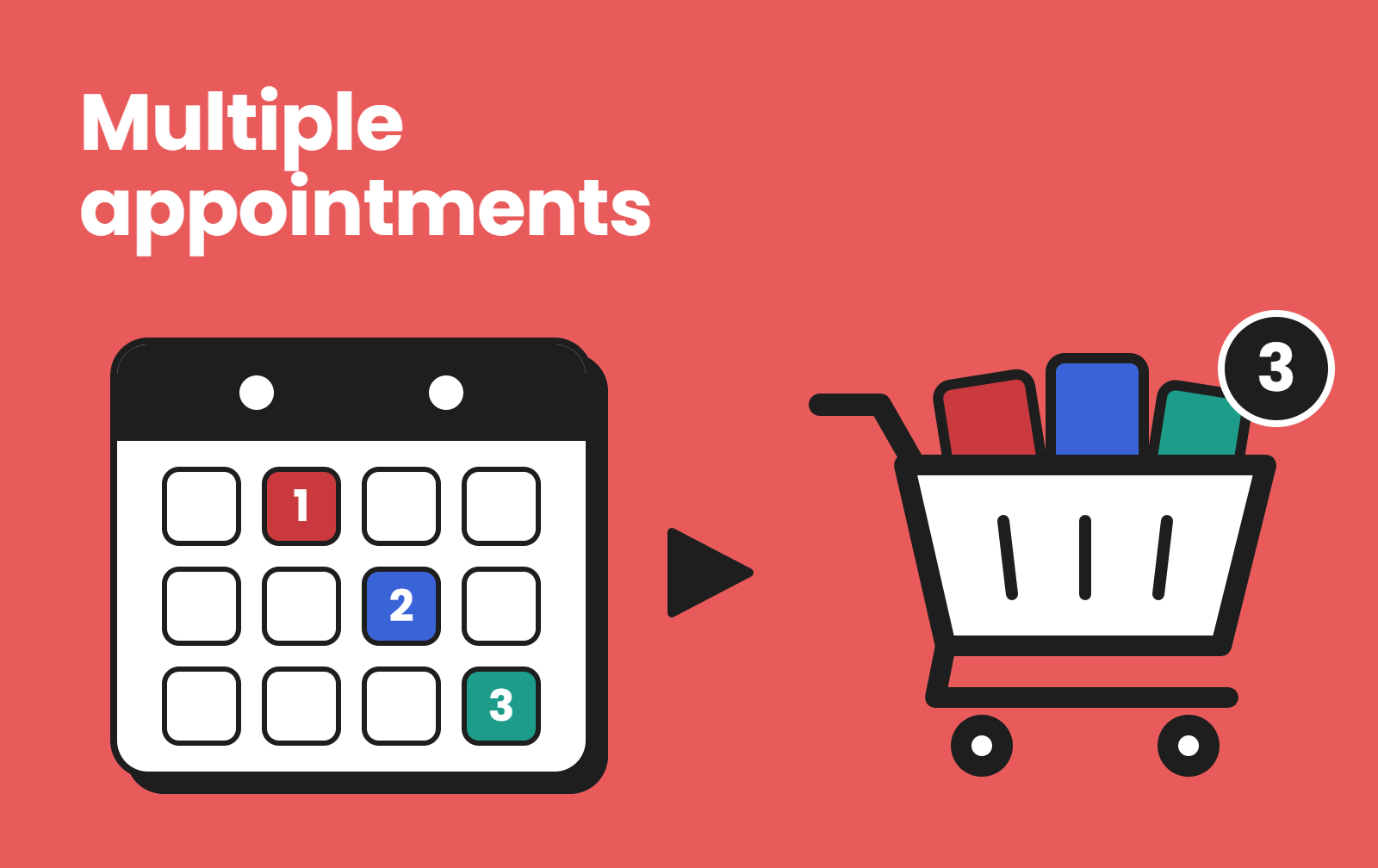
- book one spot, or several for friends
- pay through your normal Shopify checkout
Show your classes the way that suits your students. The Class widget gives them a calendar-style view right on the product page, while the Events List widget lays out upcoming classes as a simple list, so nobody has to scroll through empty months to find the next date. Either way, your classes also appear on your Store Calendar, so browsers can see everything coming up at a glance.
A tour of the features that keep classes full
Here's where it gets fun. These are the BookThatApp features class sellers lean on most. Plan notes are included where the support guides state them.
Set the schedule once
Weekly yoga? Monthly workshops? A one-off masterclass? Classes can run on a repeating schedule or on single dates, and each class gets its own capacity. You can even run the same class on different dates in different studios, and let students choose their location.
Never oversell a seat
When a class is full, it closes on its own. And if two people go for the last spot at once, BookThatApp's reservation widget holds it automatically while one of them checks out.
Waitlists for the classes that sell out
When a class fills up, students can tap Add to Waitlist and leave their name, phone number, and email. If someone cancels, BookThatApp emails the first five people on the list, then the next five every 15 minutes until the spot is taken. Your sticky note can retire.
Reminders that cut no-shows
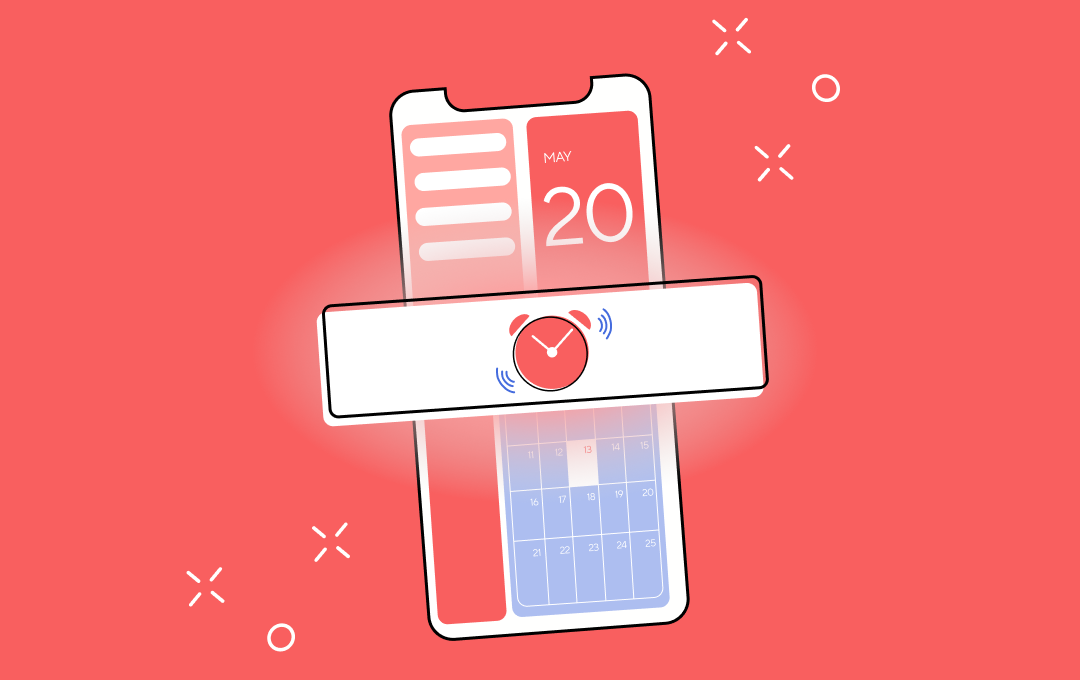
BookThatApp sends reminder emails before a class (and follow-ups after). Reminders can include a calendar file, so the class lands in the student's own calendar. Send them manually on any plan, or schedule them to go out automatically by email and SMS on Premium and higher.
Online classes with Zoom
Teaching online? With the Zoom integration, a scheduled class gets one Zoom meeting, and every booking joins it. The link goes out in your reminders. You'll need the Premium plan or higher and a Zoom Pro account or higher.
Waivers and student details
Need a signed waiver, or each student's name and age? Booking fields let you ask during booking. You can add a required checkbox that links to your waiver, take file uploads, and repeat a field for each person booked.
Know who's coming
The Enrollment report shows each class with its capacity, open spots, and attendee list. You can even email everyone in a class at once, which is perfect for "Bring an apron!" notes.
Sign people up at the front desk
Students who walk in can book right there. The Shopify POS integration lets you take bookings and view your calendar in-store, with payment in the same POS order.
Let students reschedule themselves
Plans change. You can let students cancel or reschedule through a link in their email, with no back-and-forth.
Running a multi-week course instead?
Courses work a little differently from classes. A class is a single event of one day or less. A course is a set of sessions grouped into terms, and students enroll in a whole term. Courses have their own Course widget and their own term-based schedule, so they get their own setup. Think six-week beginners' wheel throwing, not a one-night glaze party.
One app for every kind of booking
Here's a fun fact: classes are just one of the things BookThatApp handles. The same app also runs appointments, courses, rentals, tours, accommodation and events, each with its own booking type and widget.
Why does that matter? Businesses grow sideways. Today it's a Saturday workshop. Next year it might be private lessons, a six-week course, equipment hire or a weekend retreat. With BookThatApp, you add the new offer to the store you already run, with no second app to learn.
Some booking apps are built for just one thing, like rental-only apps such as Product Rentals Pro ("the easy way to rent physical products on your store") or stay-only apps. Many appointment-led apps treat classes or rentals as add-ons.
We built BookThatApp to handle the whole mix from day one. Rentals, tours, tickets, events, appointments, classes, courses, it all runs from one app. So when your business grows into something new, you won't need to find another booking app.
Getting set up (and help along the way)
Setup comes down to four steps: create your class product, choose Class as the booking type, add your dates, and switch on the Class widget. Our help desk guides walk through each one, step by step.
And you're not on your own. Our Customer Success team helps along the way, from your first class to your busiest season. Want a hand? Book a free 15-minute call with our team.
FAQ
Can I sell recurring classes on Shopify?
Yes. With BookThatApp, a class can repeat on a schedule (every Monday, every other week, certain months) or run on single dates.
What's the difference between a class and a course?
A class is a single event of a day or less. A course is a set of sessions grouped into terms, booked through its own Course widget.
What happens when a class is full?
It closes for new bookings. If you turn on waitlists, students can join the list and get an email when a spot opens.
Can I run online classes?
Yes. On Premium and higher, the Zoom integration creates the meeting and sends the link in reminders. You'll need a Zoom Pro account or higher.
Can someone help me set it up?
Yes. Our Customer Success team is happy to help. Book a 15-minute call any time.
Get started
Ready to fill your next class? Install BookThatApp from the Shopify App Store, or book a free 15-minute call with our Customer Success team, and we'll help you get your first class live.