
If you rent out kayaks, run walking tours, teach classes or host a vacation rental next to your Shopify store, your bookings never live in just one place. They show up in Shopify, in your Google or Outlook calendar, and maybe on a travel site like Airbnb too. The nightmare scenario is simple: the same date gets sold twice.
Good news: this is very fixable, and a bit of homework before you pick a booking app saves a lot of headaches later. Here is a practical checklist we use when merchants ask us how to compare Shopify booking apps.
Why calendar sync matters for Shopify booking
Your Shopify booking app is the source of truth for what customers buy on your store. But you and your team probably also run your day from another calendar, and some businesses sell the same dates somewhere else. If those calendars don't talk to each other, you end up checking three places before you say yes to a customer, and sooner or later something slips through.
Three things to check before you choose a booking app
- Does it sync with the calendars you already use? Google Calendar and Outlook are the usual suspects. If you also list on Airbnb or another travel site, look for iCal import and export, since that is the common language those calendars speak.
- How fresh is the sync? iCal syncing is not real-time. Ask how often the app checks incoming calendars, and whether there is a direct connection for real-time updates.
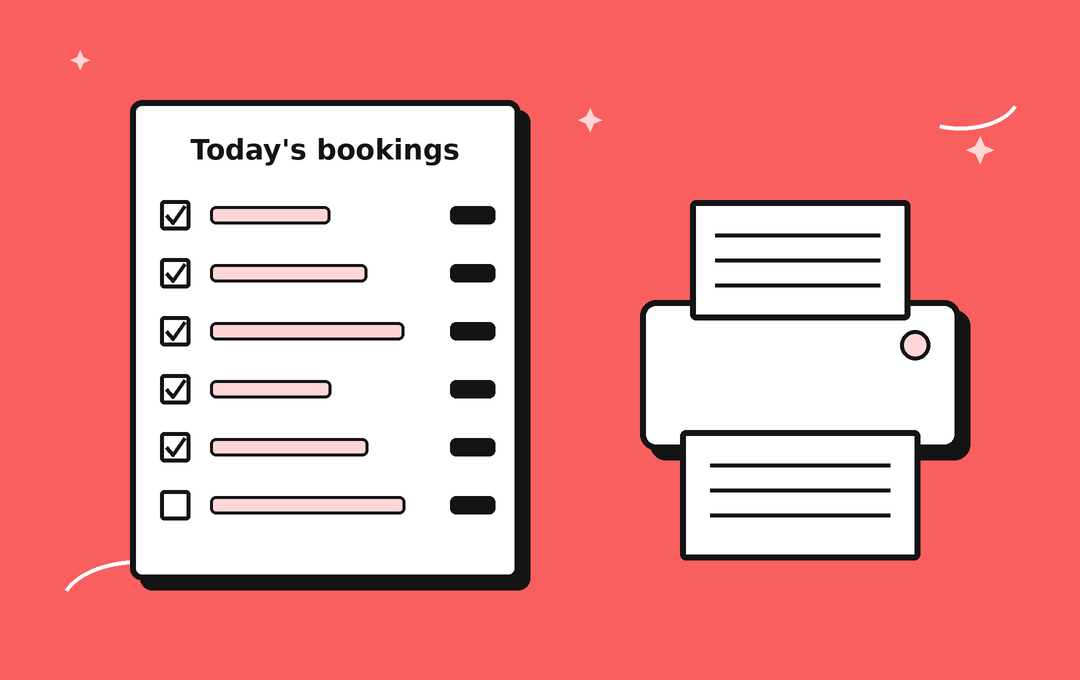
- Can you take your schedule on the road? If you run tours, rentals or classes, you may want a paper or PDF sheet for the day. Don't assume the calendar view itself prints: BookThatApp provides Runsheet and Enrollment reports that can be exported.
A fair look at one popular option: Cowlendar
Cowlendar is a well-rated Shopify booking app. Its Shopify App Store listing shows a 4.9 rating from 2,258 reviews, and its pricing page lists group bookings, deposits, waitlists, calendar and video integrations, and Shopify POS support. If you are comparing apps, it deserves a serious look.
When it comes to the first item on the checklist above, though, Cowlendar's own help center is upfront about a gap. As of November 1, 2026, its help center answers “Does Cowlendar sync with AirBnb?” with: “Not today. Cowlendar has no direct sync with Airbnb, and there is no date for it.” See the Cowlendar Airbnb sync help page. Roadmaps shift, so check its help center for the latest before you decide.
If Airbnb is not on your list, that gap may not matter to you at all. If it is, it's worth knowing before you build your store around an app.
How BookThatApp handles calendar sync and day sheets
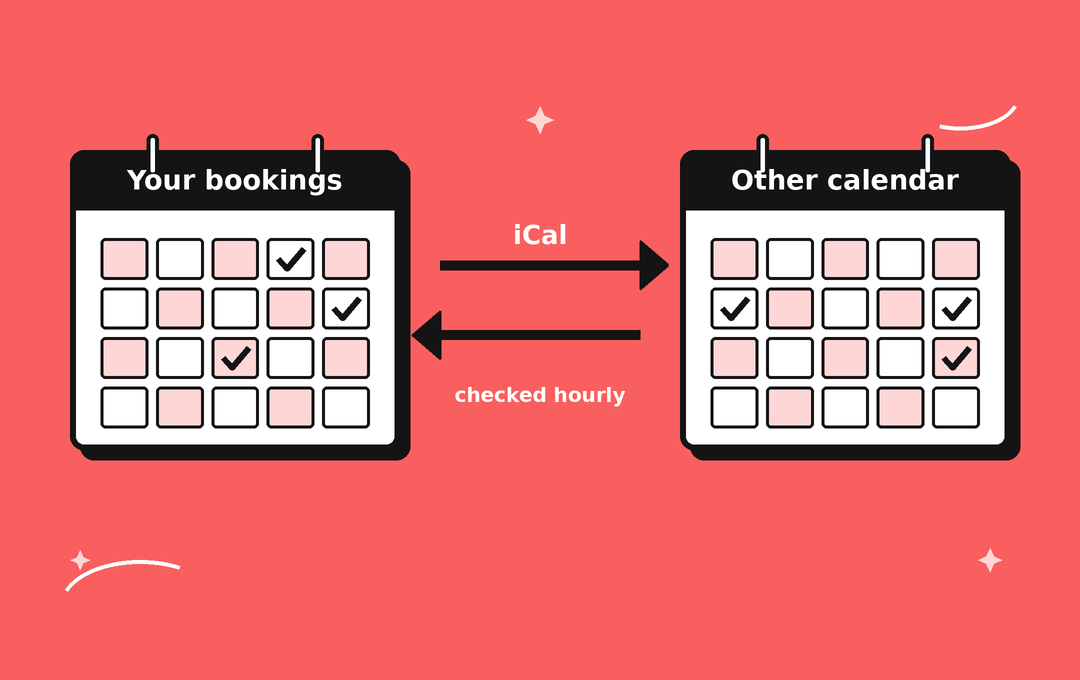
- Airbnb import via iCal, plus Google Calendar sync. External iCal links can import bookings from outside apps such as Airbnb into BookThatApp. BookThatApp also offers a 2-way direct sync with Google Calendar. iCal links can also be used to retrieve your bookings: grab your store's booking feed link with the iCal button on the Calendar Overview page and paste it into the other calendar. Outlook sync is one-way: bookings sync to Outlook via an iCal link.
- Honest timing. iCal isn't real-time. BookThatApp checks incoming iCal feeds once per hour, and Google checks BookThatApp feeds every 6 to 24 hours. If you need updates immediately, BookThatApp's direct 2-way sync with Google Calendar doesn't depend on iCal feeds.
- One combined view. On the Calendar Overview page you can switch between month, week, day, list and schedule views, filter by product, resource or location, and add an external calendar so it shows up alongside your bookings. The Calendar Overview is for on-screen use and is not printable; for paper copies, use the reports below.
- Day sheets via Runsheet Reports. The Runsheet report lets you filter bookings by date, product, resource, location, and more, then export the results as a PDF (portrait or landscape) or an Excel file. Handy for the clipboard on the dock or the front desk. The Runsheet is available for all products. For classes and courses, BookThatApp also has an Enrollment report that lists attendees per class or course and can be printed or exported to PDF or Excel.
- Simple pricing. BookThatApp charges a flat monthly subscription and does not take a percentage of your booking sales.

Setting up an iCal sync
- Open Calendar Overview in the BookThatApp admin and click the iCal button to copy your booking feed link.
- In Outlook on the web, choose Add calendar, then Subscribe from web, and paste the link. For Google Calendar, you can also use the direct 2-way sync instead.
- To bring bookings from outside apps such as Airbnb into BookThatApp, add the external iCal link using Add calendar on the Calendar Overview page.
- Run a test booking and confirm it appears where you expect, remembering the sync timing above.
Need a hand? Our support team is happy to walk you through it.

Quick checklist to take with you
- Does the app sync with every calendar you rely on, including Airbnb if you sell there?
- How often does it check for changes, and is there a real-time option?
- Is there a report or export you can print as a day sheet or class list for your team? Don't assume the calendar view itself prints.
- Is the pricing model easy to predict as your bookings grow?
- Can you try it free first? BookThatApp has a free plan, no contracts and no cancellation fees.
FAQ
Can BookThatApp sync with Airbnb?
Yes, through iCal. External iCal links can import bookings from outside apps such as Airbnb into BookThatApp. iCal isn't real-time: BookThatApp checks incoming feeds once per hour.
Is iCal syncing instant?
No. BookThatApp checks incoming iCal feeds hourly, and Google checks BookThatApp feeds every 6 to 24 hours. For Google Calendar updates without waiting on iCal feeds, BookThatApp offers a 2-way direct sync with Google Calendar.
Can I print my bookings or my calendar?
Not from the calendar itself: the Calendar Overview is on-screen only and is not printable (confirmed by BookThatApp team). The workaround is to generate a Runsheet report, filter it by date, product, resource or location, and export it as a PDF or Excel file to print or share with your team. The Runsheet is available for all products. For classes and courses, you can also export an Enrollment report, which lists attendees per class or course, as a PDF or Excel file or print it.
Can I try BookThatApp before I pay?
Yes. BookThatApp has a free plan, which its Shopify App Store listing shows as including 10 bookings. There are no contracts or cancellation fees, and you can cancel any time.
Ready to keep every calendar in sync?
Install BookThatApp from its Shopify App Store listing and set up your first bookable product. Prefer to talk it through first? Get in touch with our support team through the BookThatApp Help Desk.
Sources
- Cowlendar listing on the Shopify App Store (rating and review count)
- Cowlendar pricing page (features listed)
- Cowlendar help center: Sync AirBnb
- BookThatApp Help Desk: iCal Integration for the Store, Products, and Resources
- BookThatApp Help Desk: Calendar Overview Page
- BookThatApp Help Desk: Runsheet Reports
- BookThatApp Help Desk: Enrollment Report Guide
- BookThatApp FAQ: calendar connections, fees, contracts and cancellation
- BookThatApp listing on the Shopify App Store (free plan with 10 bookings)
- Microsoft Support: Import or subscribe to a calendar in Outlook.com or Outlook on the web